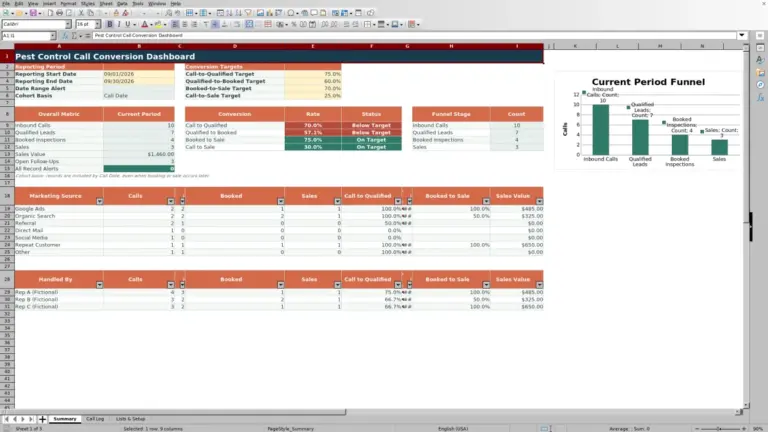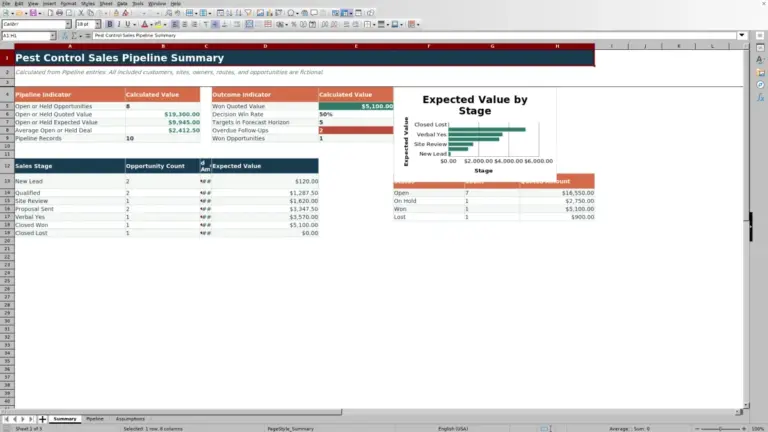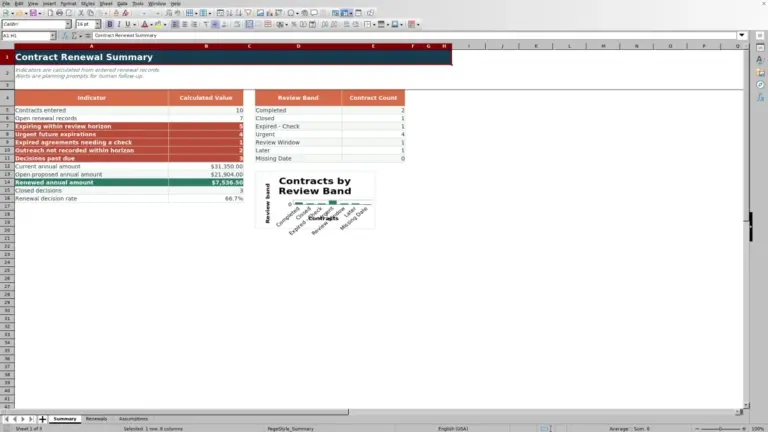
This mosquito service estimate spreadsheet is an Excel workbook for building preliminary one-time or recurring estimates from outdoor area, one-way travel, service dates, visit frequency, and a selected product package pricing label.
Enter one unrelated estimate per row, update the assumptions on Pricing Setup, and use the calculated visit count, price per visit, season total, and status to guide the next sales decision.
How this workbook can help
- Build consistent preliminary estimates from the same editable pricing assumptions.
- See planned visits, estimated price per visit, and estimated season total in each estimate row.
- Account for outdoor area, round-trip travel, product package adjustments, and recurring discounts.
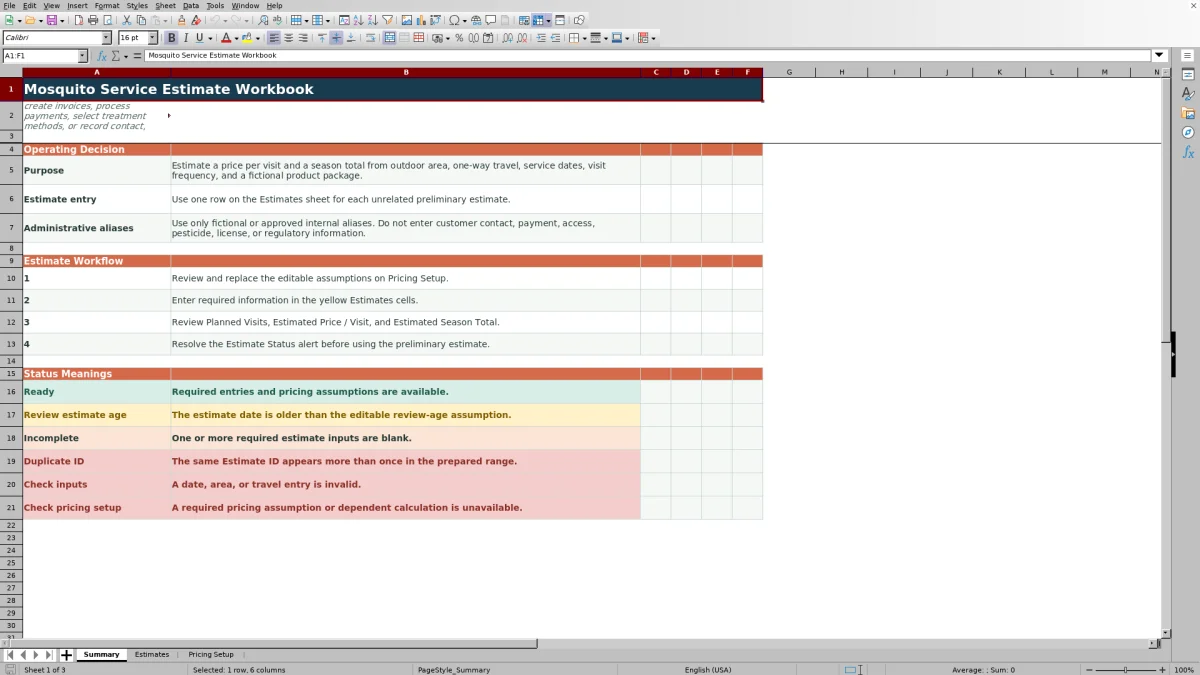
- Catch missing entries, duplicate IDs, invalid inputs, aging estimates, and unavailable pricing dependencies through status messages.
What is in the file
How to get started
1. Update the pricing setup
Replace the fictional general assumptions, package multipliers, fixed add-ons, visit intervals, and recurring discounts with approved company pricing.
2. Enter the estimate inputs
Use one Estimates row for each unrelated estimate. Complete Estimate ID through Product Package; Notes are optional.
3. Recalculate and check the outputs
Let Excel recalculate the gray cells, then check Planned Visits, Estimated Price / Visit, and Estimated Season Total.
4. Resolve the estimate status
Correct missing entries, duplicate IDs, invalid values, outdated estimate dates, or unavailable pricing assumptions before using the preliminary estimate.
What the Excel Estimate Workbook Does
The workbook turns estimate details into a preliminary estimate for one-time or recurring mosquito service. Each Estimates row combines outdoor area, one-way mileage, service dates, visit frequency, and a product package pricing label.
Calculated columns show planned visits, area increments, area and travel charges, a frequency discount, estimated price per visit, estimated season total, and estimate status.
How the Pricing Calculation Works
The editable pricing assumptions include a base service price, included outdoor area, area increment size and price, included round-trip mileage, excess-mile rate, minimum price, and estimate-age threshold. Separate setup lists hold product multipliers, fixed package add-ons, interval days, and recurring discounts.
The workbook rounds excess outdoor area up to full increments, doubles one-way mileage, charges only for round-trip miles above the included allowance, and applies the selected package and frequency values. The final price per visit cannot fall below the configured minimum.
Worked Scenario for a Fictional Site
Input: Using the fictional example setup, enter a 4,000-square-foot site six miles away, a May 1 through September 30 service period, Monthly frequency, and Standard Package.
Result: The 30-day interval produces six planned visits. The area is below the included 5,000 square feet, so there are no area increments. Six one-way miles become 12 round-trip miles, which is below the included 20 miles. The product-adjusted service amount is $65 before the minimum-price check.
Interpretation: With no area charge, travel charge, package add-on, or Monthly discount under the shown example assumptions, Estimated Price / Visit is the greater of $65 or the configured minimum. Estimated Season Total is six times that displayed per-visit price.
Next decision: Check the displayed status and totals. If the assumptions match approved pricing and the status is Ready, use the preliminary amount in the next sales step; otherwise, correct the identified input or setup issue.
Common Errors and Solutions
Resolve the status before relying on an estimate:
- Incomplete: enter every required field from Estimate ID through Product Package. Notes may remain blank.
- Duplicate ID: assign a unique Estimate ID within the prepared range.
- Check inputs: enter a positive outdoor area, nonnegative travel mileage, and a Service End date that is not earlier than Service Start.
- Check pricing setup: restore any missing required assumption or dependent calculation.
- Review estimate age: compare the estimate date with the editable review-age threshold and update the estimate as appropriate.
Workbook and blank spreadsheet comparison
Use the prepared workbook when its verified fields and calculations fit the pest-control task. Start with a blank spreadsheet when you need a different model and can build and test every field and formula yourself.
| Method | Setup | Calculations and review | Practical fit |
|---|---|---|---|
| This Excel workbook | Use the prepared structure in the validated file | Review the documented calculations and results | Local editable pest-control workflow supported by the workbook |
| Blank spreadsheet | Create the structure yourself | Build and test every formula and check | A custom model built from scratch |
Limits and Intended Scope
This workbook is for estimating only. It does not schedule service, create invoices, process payments, select treatment methods, or establish compliance.
Product packages are pricing labels only. Use fictional or approved internal aliases rather than customer contact, payment, access, pesticide, license, or regulatory information.
Prepared Rows and Estimate Workflow
The Estimates sheet provides 150 prepared rows from row 5 through row 154. Yellow cells are editable, while gray cells contain calculations that populate after workbook recalculation.
Filters cover all 20 estimate columns, and the header remains visible through frozen panes. The Summary sheet explains the workflow and status meanings, while Pricing Setup keeps the assumptions used by every prepared estimate row.
Frequently asked questions
What information is required for a mosquito service estimate?
Enter an Estimate ID, Estimate Date, Prospect / Site Alias, Outdoor Area, One-Way Travel, Service Start, Service End, Visit Frequency, and Product Package. Notes are optional.
How does the spreadsheet calculate planned visits?
One-Time service returns one planned visit when the required service dates and frequency are valid. Recurring options use the number of interval days assigned to the selected frequency and count from the service start through the service end.
How is the travel charge calculated?
The workbook doubles one-way mileage to calculate round-trip miles. It subtracts the included round-trip allowance and applies the configured excess-mile rate only to a positive remainder.
What do the estimate status messages mean?
Ready means required entries and assumptions are available. Other messages identify an old estimate date, missing required information, a duplicate ID, invalid area, travel, or date inputs, or an unavailable pricing assumption or dependent calculation.
Does this Excel workbook schedule service or create invoices?
No. It is a preliminary estimating tool and does not schedule service, create invoices, process payments, select treatment methods, or establish compliance.
Editorial responsibility

Maya EllisService workflow editor

Noah BennettWorkbook structure and operations